
Start from the task
Choose the result, then complete a short form without memorizing argument order.
Free Minecraft Command Generator Tool
Build error-free commands with full support for Item Components. Configure /give, /summon, and /tellraw syntax with instant NBT validation and 1-click copying.
Command workbench
This Minecraft Command Generator turns common tasks into guided forms. Choose Java or Bedrock, a version, and a command type; live output and local checks respond to every field.
This command accepts player targets only. @e and @n are intentionally unavailable.
Four clear decisions
A reliable Minecraft Command Generator workflow starts with edition and version, then ends with a safe in-game test.
Select Java or Bedrock and its version lane to control fields, item data, and output.
Pick a task and complete only its target, coordinate, ID, count, mode, or data fields.
Check fields, coordinate triples, selectors, quotes, delimiters, and the item-data version.
Choose the output destination and test with required permissions in a backup world.
The free Minecraft command generator tool gives fast output while keeping its assumptions visible.
Choose the result, then complete a short form without memorizing argument order.
Edition and version remain beside the output; incompatible options stay out.
Copy after checking targets, coordinates, modes, permissions, and map safety.
Syntax without guesswork
The Minecraft Command Generator keeps edition, version, fields, output, and warnings together without pretending to reproduce every server.
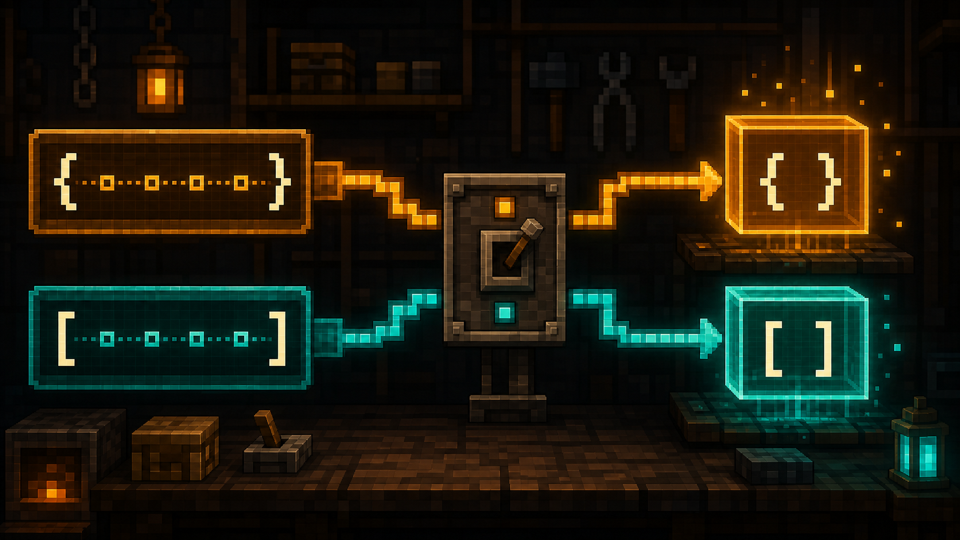
Java legacy NBT, Java Components, and Bedrock patterns stay separate, preventing silent reuse in the wrong version.
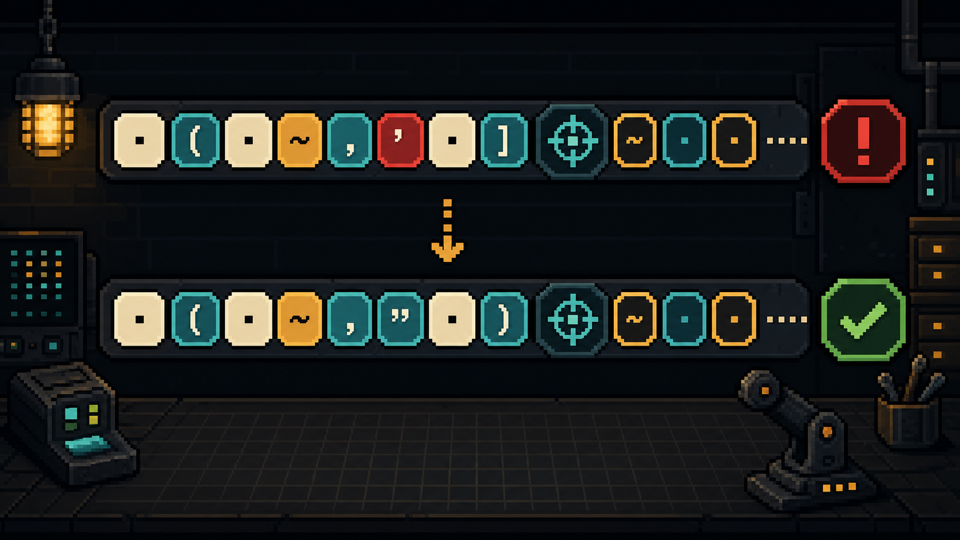
Fields, coordinates, selectors, quotes, and brackets receive immediate feedback without promising game-side validation.
Pick a command family and see only the fields relevant to that task.
Review chat, command-block, or function output with explicit slash treatment and version.
Common command families
The Minecraft Command Generator keeps common forms small and reveals advanced fields only when supported.
Prepare Give and Effect output with targets, IDs, amounts, durations, and version notes.
Build Summon and Teleport output with clear targets and coordinate modes.
Use Setblock for one position or Fill for a bounded area with stronger warnings.
Change game mode, time, or weather while keeping edition context attached.
A command generator saves time when selectors, coordinates, or version changes slow manual assembly.
Draft building and environment commands with scope visible.
Prototype repeatable commands before moving tested lines into blocks or functions.
Prepare actions, then review selectors, permissions, plugins, and server version.
Change one field and see how its argument changes the output.
The workbench combines fast generation with review context.
| Workflow | Input | Output | Safety cue |
|---|---|---|---|
| Edition setup | Java or Bedrock | Separated syntax lane | No silent cross-edition reuse |
| Version setup | Modern or legacy context | Version-tagged command | Components and NBT note |
| Command form | Task-specific fields | Live assembled output | Required-field feedback |
| Format review | Selectors, coordinates, delimiters | Local check state | Not labeled as game verification |
| Copy workflow | Chat, block, or function | Adjusted copy format | High-impact warning where needed |
Trust through context
The Minecraft Command Generator treats every result as a versioned draft and exposes assumptions before Copy.
Scope: common Java and Bedrock forms, local checks, version notes, presets, reset, and copy modes.
Compatibility
Common failure point
Matching command names can still use different arguments, selectors, or item data.
PixCraft approach
Edition comes first and remains beside every result.
Common failure point
Java 1.20.5 replaced old item tags with Components, making older Give examples unreliable.
PixCraft approach
Legacy and modern templates have separate labeled lanes.
Review and execution
Common failure point
Complete fields cannot prove compatibility with plugins, permissions, experiments, or game rules.
PixCraft approach
Feedback is labeled local, with a reminder to test in-game.
Common failure point
Broad commands can alter a map quickly when scope is wrong.
PixCraft approach
High-impact templates keep scope and warnings near Copy.
Common failure point
Chat, command blocks, and functions treat the leading slash differently.
PixCraft approach
Choose a destination and review its copy format.
PixCraft checks browser-side formatting; it does not connect to Minecraft or claim successful execution.
Safer command habits
Use the Minecraft Command Generator to draft, then apply these checks before every test.
Confirm edition and version; NBT, Components, text data, and game rules can change.
Check whether the target is yourself, one player, everyone, or filtered entities.
Inspect signs, relative markers, height, and mode; test smaller bounds first.
Test a backup with the intended permissions, plugins, packs, and settings.
PixCraft separates command syntax from visual creation, giving each route one concrete task.
Use the matching tool for skins, block geometry, banners, or lettering.
Every route produces a preview, calculation, editable artifact, or copy-ready result.
Edition, format, privacy, export, and product limits stay near relevant controls.
The PixCraft workshop
The command bench handles syntax and compatibility; other PixCraft tools handle skins, shapes, banners, and lettering.
Available now
Choose an edition and version, complete labeled fields, review warnings, and copy the result.
Available now
Paint a rotatable 64×64 skin and export PNG.
Open toolAvailable now
Plan block circles, domes, and spheres.
Open toolAvailable now
Stack patterns, preview banners, and read recipes.
Open toolAvailable now
Create block lettering and styled game text.
Open toolQuick answers
Answers about versions, Components, output destinations, safety, and browser validation.
Yes. Edit fields, review warnings, reset, and copy output without signing in.
Yes, for listed templates. Select the edition first because arguments and options differ.
Formats change. Java 1.20.5 replaced legacy item tags with Components, and later releases changed more technical data.
No. PixCraft checks visible formatting, not every game, server, plugin, permission, pack, or experiment.
Functions generally start with the command name, not a slash. Still review your edition rules.
Yes. Check targets, bounds, modes, edition, and version, then test in a backup.