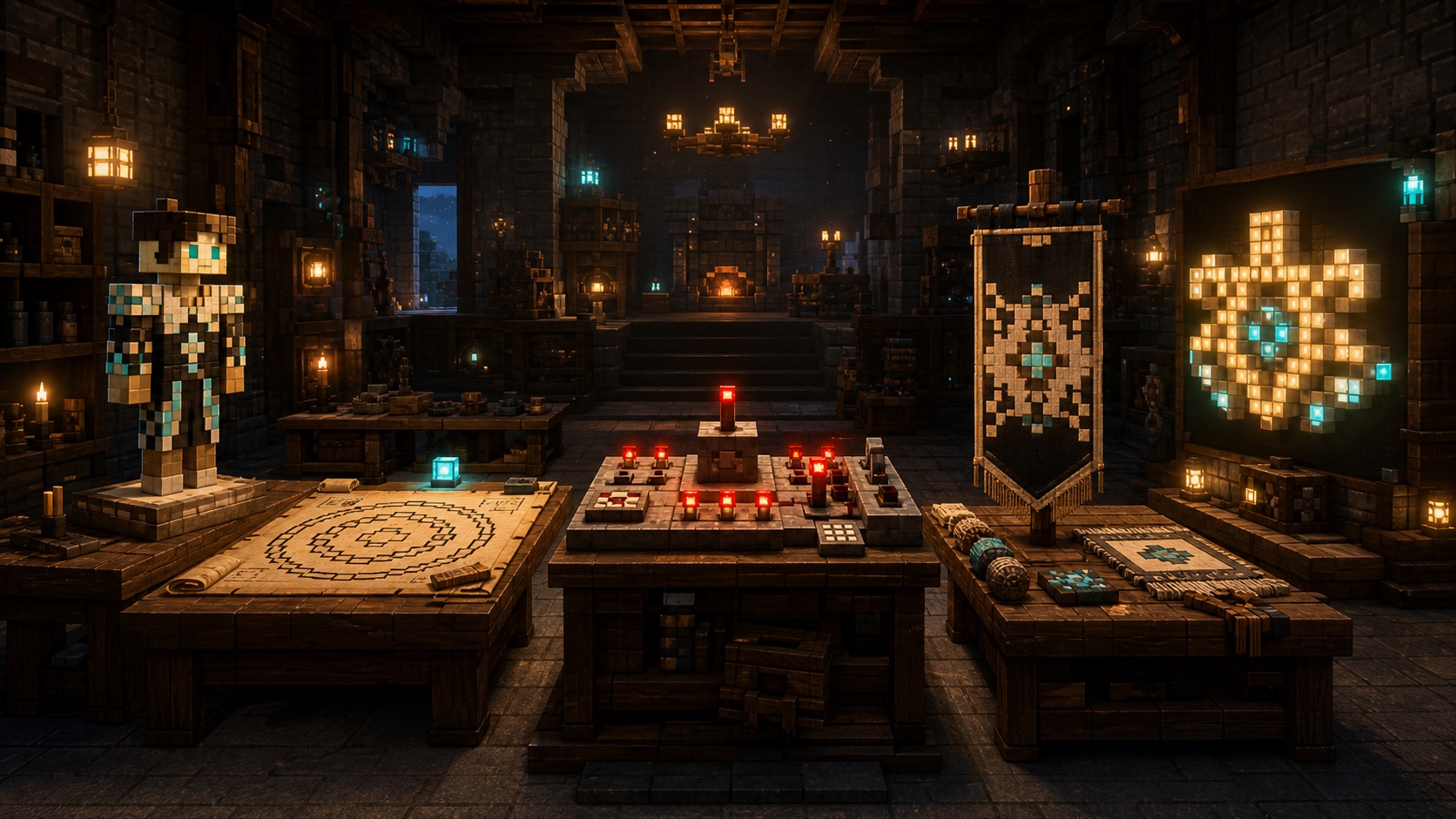
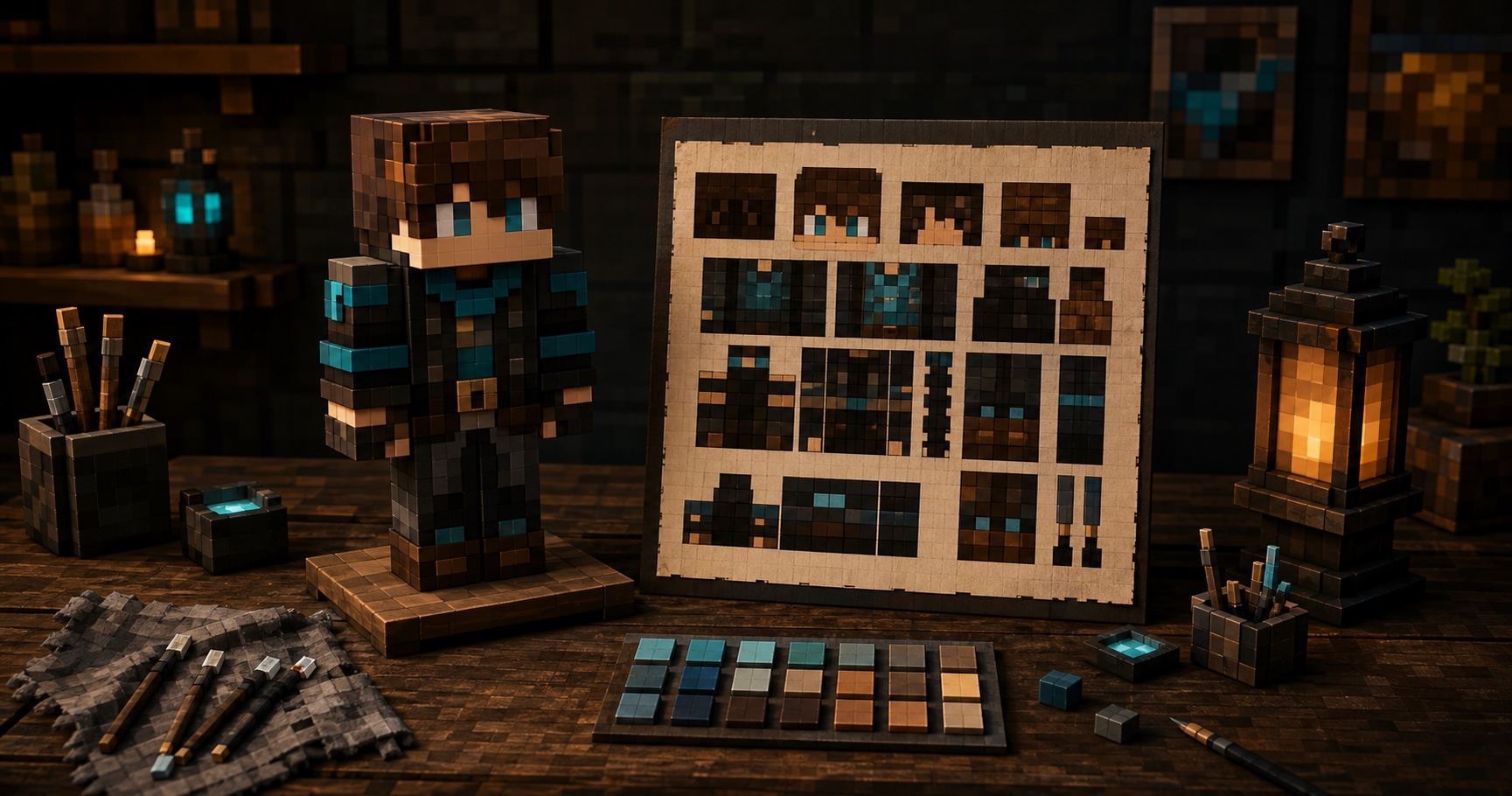
Voxel workshop containing a skin mannequin, circular plan, command station, banner, and pixel lettering

Best free online minecraft tools

Scattered tabs slow every project. Find five focused creators for skins, shapes, commands, banners, and pixel lettering in one workshop.

A faster route

Use online minecraft tools without losing context

Start with the intended output. Choose a workbench, prepare its inputs, verify the preview, and carry the result into your build.

Name the output

Choose a skin PNG, block plan, command, banner recipe, or lettering asset. The output identifies the tool.

Set the constraints

Set model, dimensions, edition, version, layer limit, or letter scale before polishing details.

Read the preview

Rotate the skin, inspect the grid, review warnings, check banner order, or compare formatted text.

Export with context

Keep edition, dimensions, layer order, and format beside the result. Test commands in a backup.

Why keep minecraft tools in one workshop?

The best free online minecraft tools reduce context switching without hiding important limits. PixCraft connects related tasks while each page keeps its own controls, vocabulary, and output.

Each card opens real utility

Every destination contains a working interaction. You can paint, calculate, configure, arrange, preview, copy, or export during the same visit.

Edition details stay visible

Java and Bedrock do not always share commands or formats. Relevant pages label those differences instead of presenting one ambiguous result.

Outputs remain portable

PNG files, block plans, coordinates, recipes, commands, and text formats can move into a normal creative workflow without an account.

Built around the result

Free online minecraft tools with useful previews

A valid output can still be wrong for the build. These minecraft tools keep editable inputs, previews, and formats together.

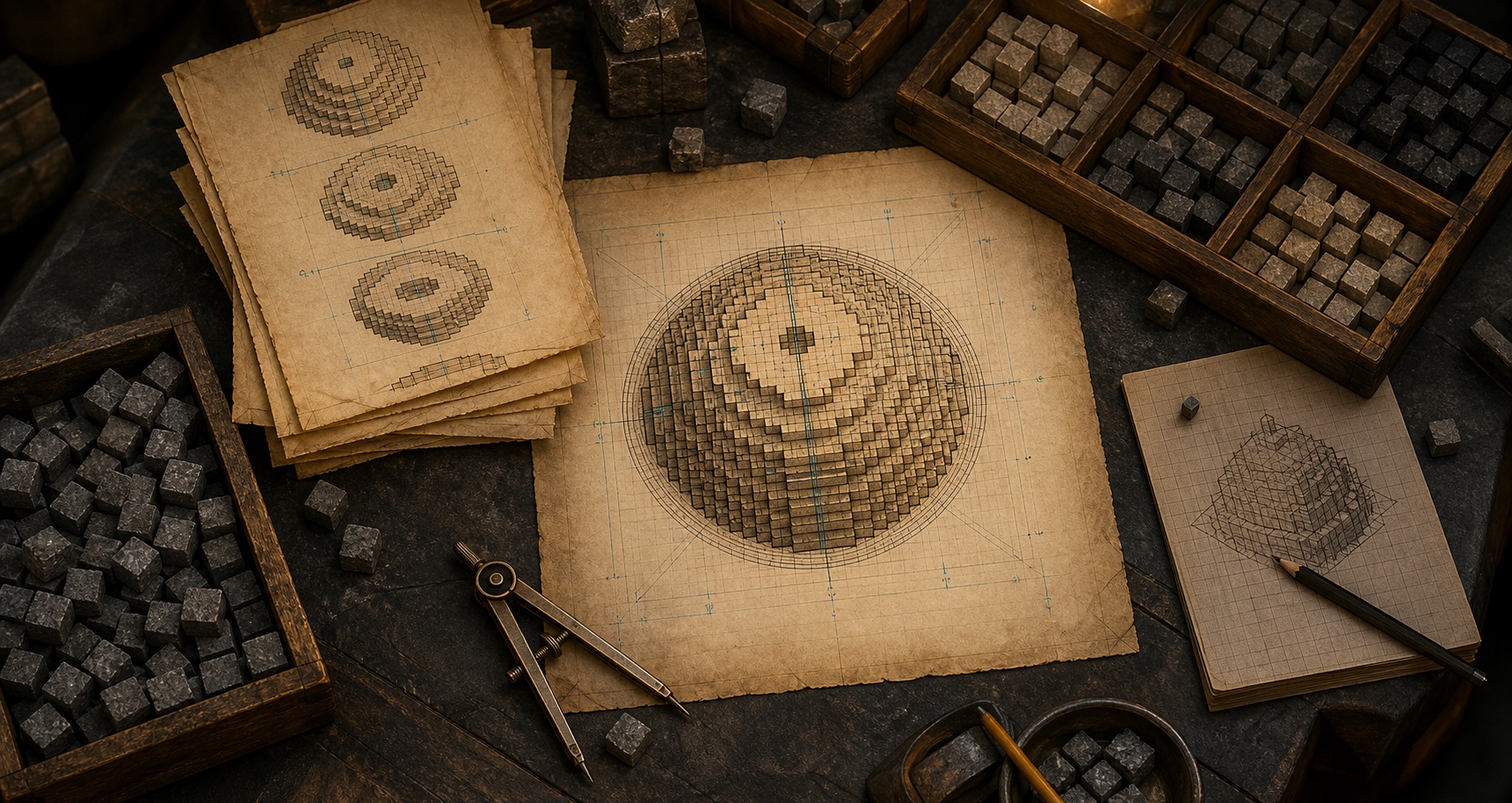
Builder desk with circular block plans, sphere layers, compass, and counted blocks

Geometry you can count

Circle and sphere plans expose center lines, layers, block totals, and coordinates before you place materials.

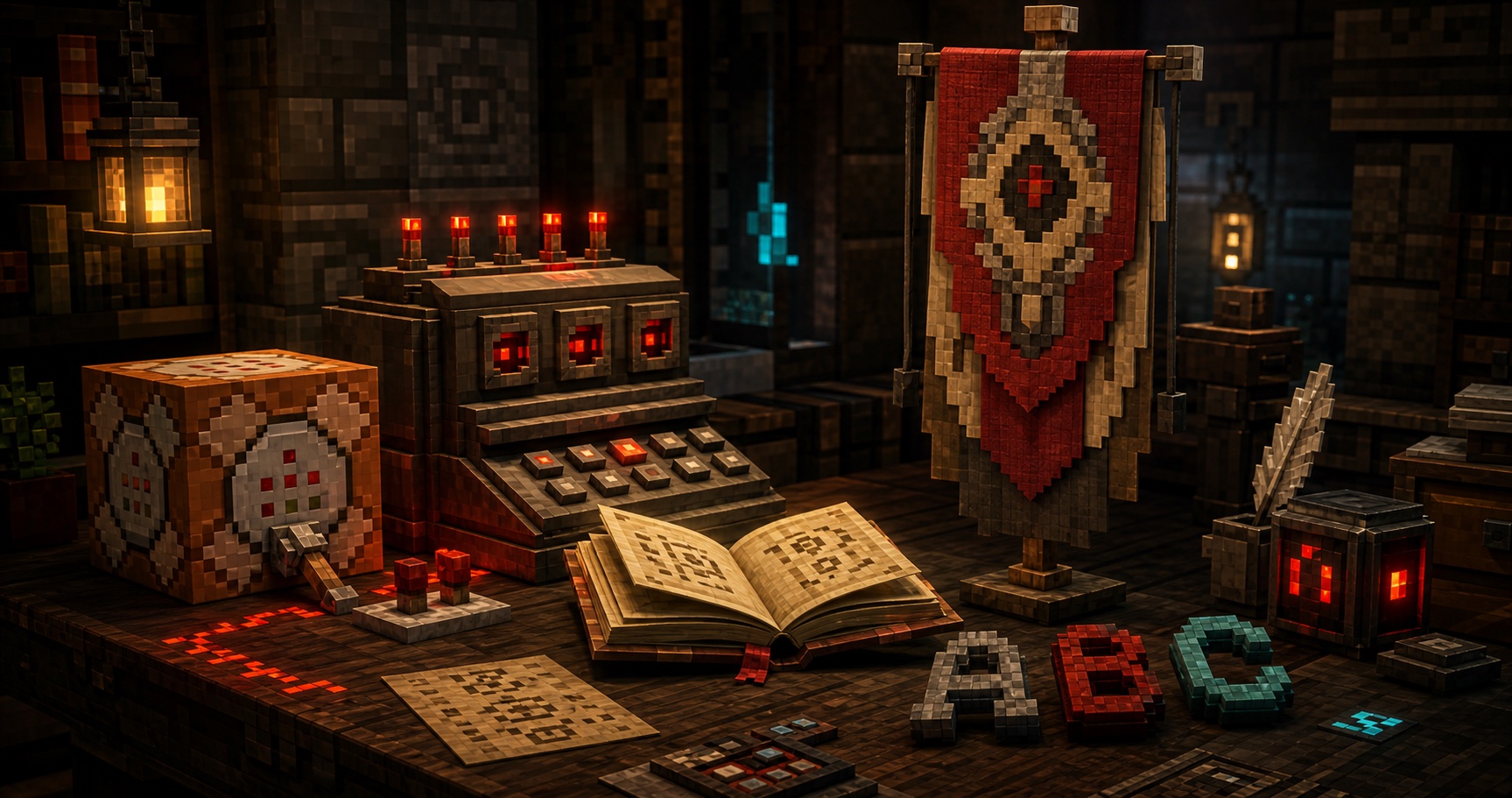
Redstone-lit workbench with command, banner, book, and pixel lettering elements

Outputs with visible boundaries

Command, banner, and font workbenches label edition, version, layer, and format choices beside the output.

Local-first editing

Manual skin editing, previews, imports, and exports stay in the browser. Network features are identified.

Focused controls

Each workbench shows controls for its job. Advanced options appear only where needed.

Connected craft

Minecraft tools for visual and technical work

Creative builds move between appearance, geometry, game syntax, and communication. PixCraft groups the work by output so you can enter at the point where the project is blocked.

Character design

Create or repair a player skin, confirm arm width, manage the overlay, and inspect hard-to-see faces before saving the PNG.

Build geometry

Translate dimensions into readable block grids and layers for circles, ellipses, domes, rings, and spheres.

Game configuration

Assemble common commands with edition-aware fields, visible version assumptions, local checks, and copyable output.

Visual identity

Develop banners, shields, signs, titles, and block lettering with clear layer or spacing controls.

Where minecraft tools remove repetitive work

Use the collection when a project needs accuracy, a faster preview, or an output that remains easy to explain to another player.

Starting a new world

Prepare a recognizable skin, server commands, faction banner, and first build plans before the opening session.

Planning large builds

Check curved footprints, layer counts, lettering scale, and material estimates away from the risk of an unfinished survival build.

Running a server event

Draft commands, matching banners, team skins, and readable signs while keeping Java or Bedrock constraints explicit.

Publishing a tutorial

Export clean diagrams, reproducible steps, commands, recipes, and images that readers can verify in their own worlds.

Compare the PixCraft minecraft tools

Choose by input and output. Every page is available now, and each one keeps its key preview beside the controls.

ToolPrimary inputUseful outputStatus
Skin EditorBlank or imported PNGEditable 64 by 64 skinAvailable
Circle GeneratorShape and dimensionsGrid, layers, counts, coordinatesAvailable
Command GeneratorEdition, version, fieldsValidated command draftAvailable
Banner MakerBase and pattern stackPreview, recipe, command outputAvailable
Font GeneratorText and visual settingsPixel plan, PNG, formatted textAvailable

Quality checks

What useful online minecraft tools should reveal

A useful generator explains assumptions, shows the result, and helps you catch a mismatch before the game does.

Review scope: clear inputs, faithful previews, labeled formats, useful exports, privacy boundaries, and safe testing.

Before export

The preview must answer a real question

Can I see the complete object?

Common risk

Flat textures and field lists can hide seams, reversed faces, layers, or missing context.

PixCraft response

Rotatable models, grids, banner previews, and pixel canvases expose the form.

Can I revise the source?

Common risk

A final string or image is hard to repair when its source choices disappear.

PixCraft response

Inputs stay editable, and the best free online minecraft tools keep revisions quick.

Before use

The output needs context

Which edition and version apply?

Common risk

Commands and formats can change between Java, Bedrock, and game versions.

PixCraft response

Relevant workbenches keep edition and version visible near the result.

What should be tested safely?

Common risk

A neat command may still affect too many entities, blocks, inventories, or players.

PixCraft response

Warnings encourage limited targets, backups, and controlled tests.

What leaves the browser?

Common risk

Creators should know when a feature needs the network and when work stays local.

PixCraft response

Local interactions and network features are clearly separated.

Review version rules and test commands or large plans in a safe copy.

Keep the handoff clean

Four habits for better minecraft tools output

Online minecraft tools save time when the result still carries enough context to reproduce, test, and revise it.

Source

Save the editable starting point

Keep the original skin, dimensions, field values, pattern order, or text settings beside the exported result.

Version

Record edition and version

Label Java or Bedrock and the tested game version whenever syntax or item data could differ.

Preview

Check more than the front

Rotate models, inspect layers, scan every grid quadrant, and review the complete banner or text bounds.

Test

Use a safe copy first

Try commands and major build plans in a backup or limited area before committing resources in a live world.

How the minecraft tools collection will grow

PixCraft adds a workbench when it offers a real interaction, clear output, and distinct purpose without duplicating current intent.

A task worth isolating

The tool should solve one recognizable problem with less friction than a generic form or long guide.

A result worth previewing

The page needs a working canvas, planner, calculator, validator, or preview.

A boundary worth explaining

Inputs, formats, editions, privacy behavior, and limits must remain visible.

Quick answers

Minecraft tools FAQ

Quick answers about access, outputs, compatibility, privacy, and safe use across these minecraft tools.

Are these minecraft tools free?

Yes. Core manual workflows are available in the browser without a required account. Each page explains optional network features separately.

What are the best free online minecraft tools for beginners?

Use Skin Editor for textures, Circle Generator for curved builds, Command Generator for syntax, Banner Maker for patterns, and Font Generator for signs or formatted text.

Do the tools support Java and Bedrock?

Geometry is mostly edition-neutral. Commands, item data, banners, and formatted text can differ, so relevant pages display edition or version choices.

Do online minecraft tools upload my files?

Manual skin import, editing, previews, and exports stay in your browser. Optional server features identify that network boundary first.

Can I use the output on a public server?

Usually, but server rules, plugins, permissions, versions, and moderation still apply. Review output and test risky commands in a backup.

Is PixCraft an official Minecraft website?

No. PixCraft is independent and is not approved by, sponsored by, or associated with Mojang or Microsoft.